The Free Tech Stack to Launch Your Online Business in 2026
The exact free tools to launch an online business - payments, design, communication, scheduling, invoicing, and marketing. No subscriptions required.
8 min read
Most of the tools that will take you from $0 to your first $1,000/month are completely free.
The paid tools don't make you more likely to succeed. They make an already-working business run slightly faster. The mistake most new founders make is paying for premium tools before they have paying customers - putting money into software that should be going toward getting their first client or sale.
This guide covers the exact free tools you need, organized by category, along with honest notes on when (and whether) to upgrade. If you want a broader no-budget stack that also covers freelancing, creator work, and side projects outside a traditional business setup, read Best Free Tools for Side Hustlers.
Key Takeaways
- Everything you need to launch is available for free.
- Only upgrade a tool when its limitations are directly blocking revenue.
- Your first $1,000 in revenue should come from customers, not from optimizing your tool stack.
- Simple and free beats complex and expensive - especially at the start.
The Complete Free Stack at a Glance
| Category | Free Tool | What It Does |
|---|---|---|
| Gmail | Professional communication | |
| Docs and Files | Google Workspace (free) | Documents, spreadsheets, storage |
| Website / Portfolio | Carrd | Clean 1-page site, free plan |
| Design | Canva | Graphics, social content, presentations |
| Scheduling | Calendly | Client booking links |
| Invoicing | Wave | Professional invoices, zero cost |
| Payments (products) | Gumroad / Payhip | Sell digital products |
| Payments (services) | PayPal / Wise | Receive payments from clients |
| Project management | Notion / Trello | Task tracking and notes |
| Email marketing | Brevo | Up to 300 emails/day free |
| Video calls | Google Meet | Client meetings |
| Image editing | Photopea | Advanced editing, browser-based |
| Writing checks | Grammarly (free) | Grammar and spelling |
| Social scheduling | Buffer (free plan) | 3 channels, 10 scheduled posts |
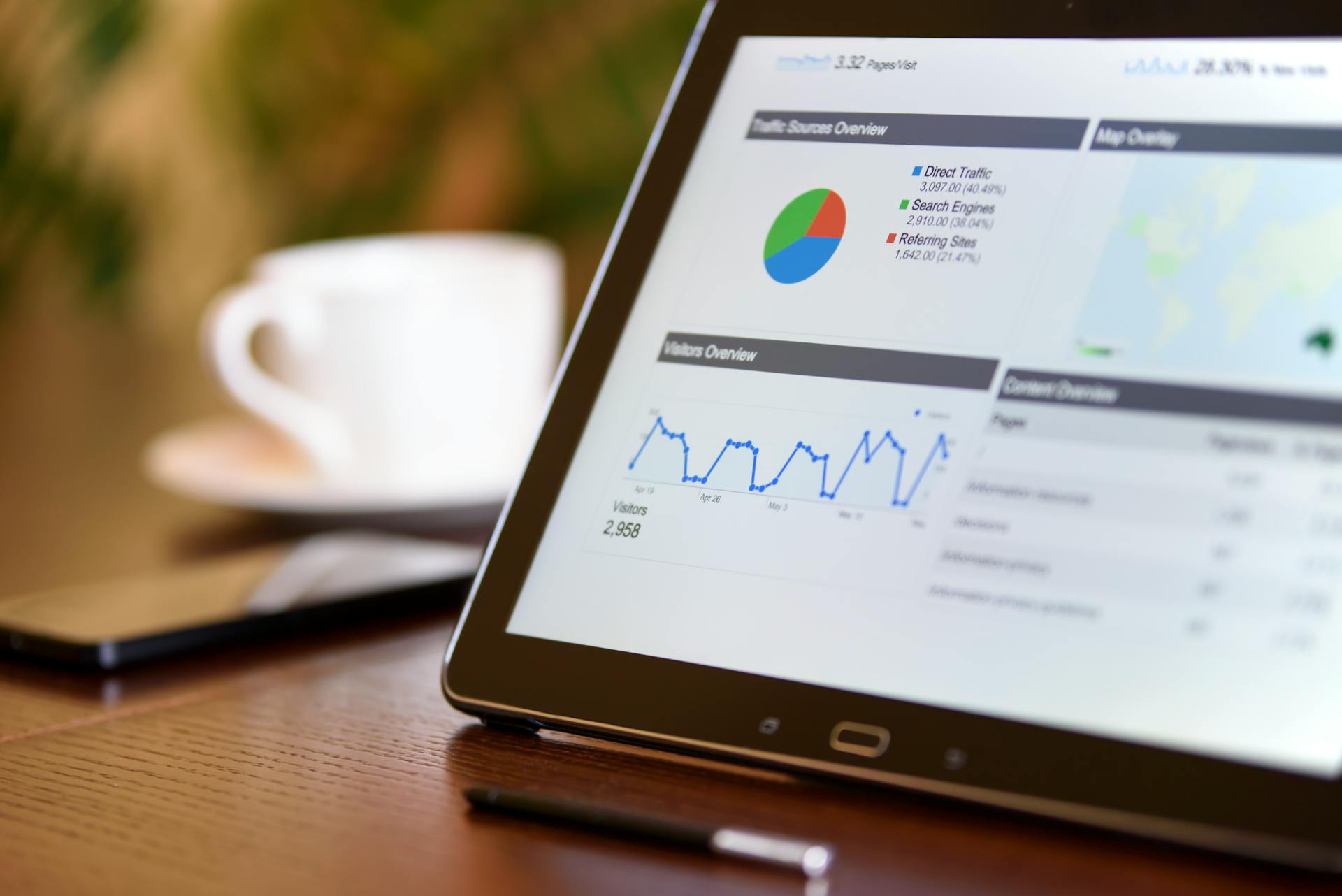
| Analytics | Google Analytics | Website traffic and behavior |
Website and Online Presence
Carrd
Carrd is the fastest way to build a professional online presence without touching code. The free plan lets you create clean, responsive single-page sites - solid for a portfolio, a pre-launch landing page, or a simple link-in-bio setup.
The free plan includes up to 3 sites, basic forms, and custom sections. You only need to upgrade (Pro plan starts at $9/year) when you want a custom domain or multiple pages. For most people starting out, the free plan is fine for a long time.
Google Sites
Underrated and completely free. It's not the most beautiful tool, but it has no upgrade pressure, no page limits, and connects seamlessly to your Google account. If you need a simple multi-page site and don't care about premium design, it works.
No-Code Website Builders
For more design control, platforms like Wix, Framer, and Webflow have free plans that go well beyond what Carrd provides. The no-code website builder guide covers all of them in detail.
Design and Visual Content
Canva
Canva's free plan covers a lot of ground - social media graphics, presentations, YouTube thumbnails, ebook layouts, logo creation, and business cards. The template library is massive, storage is 5GB, and the editor is intuitive enough to get decent results quickly without any design experience.
Canva Pro (~$15/month) adds premium templates and brand kit features. Most beginners don't need to upgrade for a long time.
Photopea
For anything requiring more advanced editing - background removal, layer-based work, complex compositing - Photopea is a free browser-based tool that opens PSD, AI, and XCF files. No installation, no account required. If you occasionally need Photoshop-level editing without the Creative Cloud subscription, this is the answer.
Image Tools
Before uploading product images or portfolio work, use the free tools on this site to prep them properly: Image Cropper for exact dimensions, Image Resizer for resizing without quality loss, and Image Background Blur for cleaner product shots.
Payments and Getting Paid
Selling Digital Products
Gumroad takes 10% per sale with instant setup and global reach. It supports products, subscriptions, and pay-what-you-want pricing - you can be selling within an hour of signing up. Payhip takes 5% on the free plan, gives you more customization, and has built-in affiliate tools if you want to let others promote your products.
The full comparison of free platforms to sell digital products covers transaction fees, payout timelines, and which platform suits each product type.
Getting Paid for Services
PayPal is globally accepted and trusted by clients. Easy to set up, though fees for receiving international payments run around 3-5% per transaction. Wise is better for recurring international transfers - lower fees, multi-currency support, and the ability to receive payments like a local bank in the US, UK, and EU. Free to open an account.
Invoicing
Wave is completely free - professional invoice templates, recurring invoices, payment tracking, and basic accounting with no transaction fees. It's one of the most capable free business tools available. If you're sending fewer than five invoices a month, a Google Docs invoice template works just as well.
Communication and Client Management
Gmail
A Gmail account with your name or business name is professional enough for almost any client. It integrates with every other tool in this list, has 15GB of free storage, and requires zero maintenance. The only reason to upgrade to Google Workspace ($6/month) is when you want a custom domain email like [email protected].
Calendly
Calendly stops the back-and-forth "when are you free?" emails. Clients click your booking link, pick a time that works for both of you, and it shows up in both calendars automatically. The free plan includes one event type and unlimited meetings with Google Calendar integration - more than enough to start.
Google Meet
Free and unlimited for 1:1 calls. Zoom's free plan limits group meetings to 40 minutes, which is a real constraint for client calls. For most freelancers and consultants, Google Meet handles everything without the friction.
Project Management and Productivity
Notion
Notion's free plan gives you unlimited pages, databases, templates, and personal use. You can build a client tracker, project notes, content calendar, and to-do system all in one place. The only reason to upgrade is if you're adding team members.
If you'd rather not learn a new tool, Google Docs and Sheets do the same job with zero learning curve. A spreadsheet for client tracking works fine until you're managing more than five active projects.
Trello
If you prefer a visual Kanban board - cards moving through columns like "To Do," "In Progress," and "Done" - Trello's free plan covers unlimited cards and up to 10 boards. Good for freelancers managing multiple projects with distinct stages.
Marketing and Growth
Brevo
Brevo's free plan allows 300 emails per day with unlimited contacts. That's enough to run a real email list until you reach a few thousand subscribers. Mailchimp is an alternative (free up to 500 contacts and 1,000 emails/month), and ConvertKit's free plan works for simple broadcasts up to 1,000 subscribers. Upgrade to any of these when you need automated sequences or advanced segmentation.
Buffer
Buffer's free plan connects 3 social channels and schedules up to 10 posts per channel. More than enough for consistent posting while you're building.
Google Analytics
Add Google Analytics to your site from day one - even before you have meaningful traffic. Having 3 months of data when you start to grow is invaluable, and it's completely free. Takes about 15 minutes to set up.
Writing Quality
The free Grammarly browser extension catches the obvious mistakes: spelling, basic grammar, punctuation. Paste client proposals, emails, and website copy through it before sending. The paid version adds tone suggestions and plagiarism checks, but the free version handles most everyday needs.
The Hemingway App (free in-browser version) highlights overly complex sentences, passive voice, and readability issues. Aim for Grade 7-8 readability and your writing immediately becomes easier to read.
When to Stop Using Free Tools
You'll know it's time to upgrade a specific tool when the free tier's limitations are directly stopping you from serving a client or making a sale, when a paid feature would save you enough time to more than cover the cost, or when your revenue is consistent enough that the subscription is a small percentage of what you're making.
Before any of those conditions are true, free tools will serve you well.
The goal right now is to get paying customers - not to build the most sophisticated tech stack on the internet.
Ready to put these tools to use? The full launch guide covers how to pick your business model, validate your idea, build your presence, and land your first customer: How to Launch Your Online Business in 2026.
If you're still deciding what kind of business to use these tools for, start with my guide to scalable side hustles. If you want the broader cross-hustle tools page instead of a launch-only stack, go to Best Free Tools for Side Hustlers.
Or if you're still figuring out which type of business to start, browse 200+ side hustle ideas with income ranges and difficulty ratings and see what fits.
- Published:
- Updated:
- By Ronak
About the Author
Developer and side hustle experimenter since 2018. Has built and tested freelancing, content businesses, and digital products firsthand. 7+ years of trying, failing, and documenting what actually works so you don't have to figure it out the hard way.
Frequently Asked Questions
Quick answers to help you make faster decisions.
The essentials: Gmail (communication), Google Docs (documents), Canva free plan (design), Calendly free plan (scheduling), Wave (invoicing), Gumroad or Payhip (if selling products), and Carrd or Google Sites (basic website). This stack costs $0 and covers everything you need to launch.
Yes - and most successful businesses started that way. Free tools are genuinely capable now. Gmail runs enterprise communications. Canva's free plan covers most design needs. Wave handles professional invoicing at zero cost. Upgrade specific tools when the free tier becomes a real bottleneck, not before.
When a paid feature would directly increase your revenue by more than its cost. If you're spending $20/month on a tool that saves you 5 hours or generates one extra client, it's worth it. If you're spending money on tools before you have paying customers, stop - reinvest that into getting your first client instead.
Wave is the most complete free invoicing tool - professional templates, recurring invoices, payment tracking, and basic accounting. All free, forever, with no transaction fees on invoices. For simpler needs, a Google Docs invoice template works fine.
Canva's free plan covers most needs - social media templates, presentations, thumbnails, and basic image editing. For more advanced image editing, Photopea (browser-based, free) is a capable alternative to Photoshop.
Notion itself has a generous free plan that covers personal use and small teams. Alternatives include Google Docs + Sheets (completely free), Trello free plan (for project management), and ClickUp free plan (more features than Trello). All are free to start.